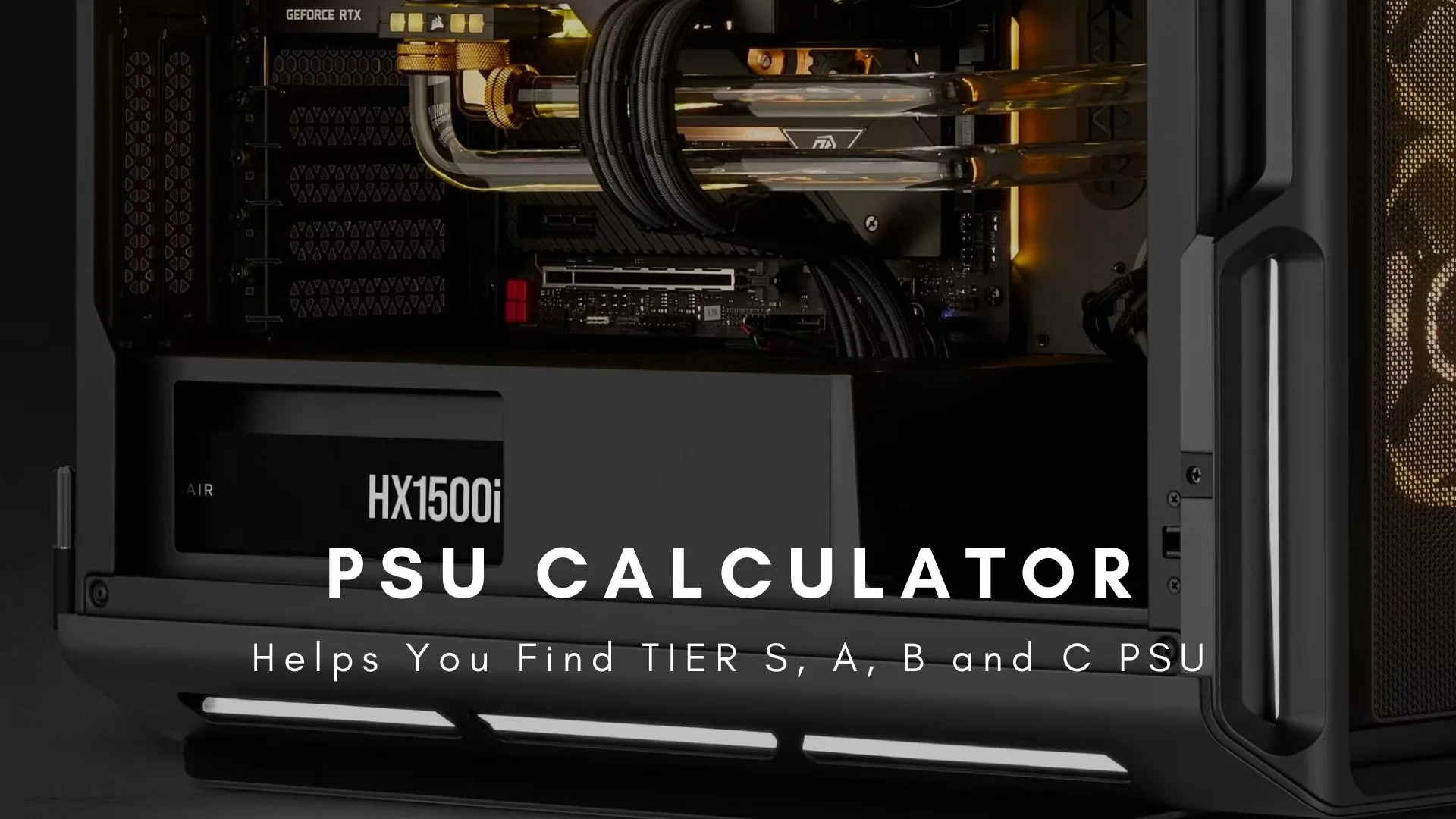
TechWafer’s free PSU wattage calculator sizes your power supply from your CPU, GPU, RAM, and storage config, with no registration or usage limits.
It sums each component’s max-load draw, then adds a 100W headroom buffer for efficiency losses, power spikes, and future upgrades.
Typical draws it uses: CPUs 65-250W, GPUs 75W to 450W+, and RAM 3-5W per stick under load.
Match the recommended wattage to an 80 PLUS rating: Bronze (85%) for mid-range, Gold (90%) for gaming, Titanium (94%) for workstations.
Estimates stay approximate because overclocking, silicon quality, cooling, and ambient temperature all shift real-world power needs.
A PSU (Power Supply Unit) wattage calculator is a specialized tool designed to determine the exact power requirements for your PC build. By analyzing your hardware configuration—including CPU, GPU, RAM, and storage devices—the calculator provides precise wattage recommendations to ensure system stability and optimal performance.
Why PSU Wattage Matters for Your PC Build
The Critical Role of Power Supply Units
The power supply unit serves as the backbone of your computer system, delivering electrical power to every component. Selecting the appropriate wattage is essential for three key reasons:
System Stability: Insufficient wattage causes system crashes, random shutdowns, and performance throttling during demanding tasks.
Component Protection: Underpowered PSUs can damage expensive hardware through voltage fluctuations and power surges.
Cost Efficiency: Oversized power supplies waste money on unnecessary capacity while consuming more electricity at idle.
Consequences of Incorrect PSU Wattage
Underpowered Systems experience:
Unexpected system reboots under load
GPU and CPU performance degradation
Potential hardware failure
Inability to boot or POST errors
Overpowered Systems result in:
Higher upfront costs
Reduced energy efficiency at low loads
Wasted electrical capacity
Unnecessary case space consumption
How to Use the TechWafer PSU Wattage Calculator
Step-by-Step Calculation Process
1. Select Your Processor (CPU)
The CPU represents one of the most power-intensive components in modern systems. High-performance processors can consume 65W to 250W under load.
2. Add Your Graphics Card (GPU)
Graphics cards typically consume the most power in gaming and workstation builds, ranging from 75W for entry-level cards to 450W+ for flagship models.
3. Configure RAM Modules
Memory modules consume relatively little power (3-5W per stick), but multiple high-speed DIMMs add up.
4. Include Storage Devices
Each storage device contributes to total power draw.
The TechWafer PSU calculator provides wattage recommendations with a built-in safety margin. Here’s what the numbers mean:
Calculated Power Draw: The sum of all component power consumption at maximum load.
Recommended PSU Wattage: Calculated power plus 100W headroom for:
Power efficiency losses (80 PLUS ratings)
Component power spikes
Future upgrades
Sustained load operation
System longevity
PSU Efficiency Ratings
Understanding 80 PLUS certification helps you choose efficient power supplies:
Rating
Efficiency at 50% Load
Best For
80 PLUS
80%
Budget builds
80 PLUS Bronze
85%
Mid-range systems
80 PLUS Silver
88%
Balanced builds
80 PLUS Gold
90%
Gaming PCs
80 PLUS Platinum
92%
High-performance builds
80 PLUS Titanium
94%
Workstations/servers
TechWafer PSU Calculator Accuracy and Reliability
How Accurate is the TechWafer PSU Calculator?
The TechWafer PSU wattage calculator delivers industry-leading accuracy through advanced calculation methodologies:
Comprehensive Component Database: Our calculator maintains an extensive, regularly updated inventory of CPUs, GPUs, and other components with verified TDP (Thermal Design Power) values and real-world power consumption data.
Advanced Algorithm Architecture: The calculation engine considers:
Peak power consumption during boost states
Simultaneous component loading scenarios
Power efficiency curves
Voltage rail distribution requirements
Transient power spikes
Real-World Testing Validation: Recommendations are cross-referenced against actual power consumption measurements from hundreds of system configurations.
Accuracy Factors and Considerations
While the calculator provides highly accurate estimates, several variables can influence actual power requirements:
Component-Specific Variables:
Manufacturing variations between GPU models
CPU silicon quality and overclocking headroom
RAM speed and voltage settings
Cooling solution efficiency
Usage Pattern Factors:
Workload intensity and duration
Ambient temperature conditions
System age and component degradation
Custom voltage modifications
Built-in Safety Margin: The recommended wattage includes an additional 100W buffer to account for these variables and ensure reliable operation under all conditions.
PSU Wattage Calculator Features and Benefits
Is the TechWafer PSU Calculator Free?
Yes, the TechWafer PSU calculator is completely free to use. There are no hidden fees, registration requirements, or usage limitations. The tool provides:
Unlimited calculations
Full component database access
Detailed wattage breakdowns
PSU recommendations across all price points
Regular database updates with new hardware releases
Who Should Use This Calculator?
Beginners: The intuitive interface guides new PC builders through component selection with clear explanations and recommendations.
Enthusiasts: Advanced users benefit from detailed power breakdowns and the ability to fine-tune calculations for overclocking scenarios.
System Integrators: Professionals can quickly verify PSU requirements for multiple builds and ensure adequate headroom for client systems.
Upgraders: Anyone adding new components can verify their existing PSU has sufficient capacity before purchasing.
Choosing the Right PSU Beyond Wattage
Essential PSU Selection Criteria
Wattage is just one factor in PSU selection. Consider these additional specifications:
Modular Design:
Non-modular: All cables permanently attached (budget option)
Fully modular: All cables removable (best cable management)
Form Factor:
ATX: Standard size for most builds
SFX: Compact form factor for small cases
SFX-L: Slightly larger than SFX with bigger fans
Connector Requirements:
PCIe 8-pin (6+2) for graphics cards
12VHPWR (12+4 pin) for RTX 40 series
EPS 8-pin (4+4) for CPU power
SATA power connectors for drives
Molex for legacy devices
PSU Protection Features
Quality power supplies include multiple safety mechanisms:
OVP (Over Voltage Protection)
UVP (Under Voltage Protection)
OCP (Over Current Protection)
OPP (Over Power Protection)
SCP (Short Circuit Protection)
OTP (Over Temperature Protection)
Related Tools and Resources
Optimize Your Complete PC Build
Bottleneck Calculator: Analyze CPU and GPU compatibility to ensure balanced performance and prevent component bottlenecking in your system.
PSU Tier List: Explore comprehensive rankings of power supply units organized by quality, reliability, and value to select the best PSU for your budget and requirements.
Building a Well-Balanced System
Using these tools together ensures:
Adequate power delivery for all components
Balanced performance without bottlenecks
Reliable, high-quality component selection
Maximum return on hardware investment
Common PSU Wattage Questions
How Much Headroom Should I Leave?
The TechWafer calculator automatically includes 100W headroom in recommendations. For overclocking or future upgrades, consider:
Operating a system at or above PSU capacity causes:
Reduced component lifespan
System instability under load
Potential warranty voidance
Increased electrical noise and coil whine
Higher operating temperatures
Does PSU Wattage Affect Electricity Bills?
PSUs only draw power as needed. A 1000W PSU in a 400W system consumes approximately 400W plus efficiency losses, not the full 1000W capacity. However, higher-efficiency PSUs (Gold, Platinum, Titanium) reduce electricity costs over time.
How Often Should I Recalculate PSU Requirements?
Recalculate when:
Upgrading CPU or GPU
Adding multiple storage drives
Installing additional PCIe cards
Implementing custom water cooling
Planning significant overclocking
Conclusion: Make Informed PSU Decisions
The PSU Wattage Calculator provides the foundation for selecting an appropriate power supply, but remember that wattage is one component of a quality PSU. Consider efficiency ratings, build quality, warranty coverage, and brand reputation alongside calculated wattage requirements.
Key Takeaways:
Use the calculator as a starting point for PSU selection
The 100W safety margin accommodates most use cases
Prioritize quality and efficiency over raw wattage numbers
Verify connector compatibility for your specific components
Choose reputable brands with strong warranty support
Understanding the Importance of PSU Wattage
Before we delve into the workings of the PSU Wattage Calculator, it’s crucial to understand why PSU wattage matters in the first place. The PSU is the heart of your PC, supplying power to every component. If the PSU wattage is insufficient, it won’t be able to support your components’ power demand, causing system instability or, in the worst case, component damage.
On the other hand, a PSU with too much wattage is an unneeded expense. The PSU Wattage Calculator is designed to help you hit the sweet spot—enough power for stable operation without overkill.
How the PSU Wattage Calculator Works
Our PSU Wattage Calculator takes into account all the key components of your PC build, including the CPU, GPU, RAM, storage, and various peripherals. It then uses this information to calculate the total power consumption and recommend a suitable PSU.
Note: The PSU Wattage Calculator assumes a certain level of power efficiency. If your components are older or less efficient, you may need a slightly higher wattage PSU.
How accurate is the TechWafer PSU calculator?
Wondering about the accuracy of the TechWafer PSU calculator? Well, let me put your mind at ease. The TechWafer PSU calculator is incredibly accurate. It’s designed by utilizing advanced algorithms that take into consideration all the intricacies of a computer system to yield a precise power supply unit (PSU) wattage.
The calculator’s accuracy largely depends on two main factors:
Comprehensive Component List: The calculator’s extensive inventory of components ensures that even the most specific of PC builds can be accurately measured. This includes everything from your CPU and GPU to your RAM and storage solutions.
Precise Algorithms: The calculator employs precise and complex algorithms to take into account even the most minute power demands of your system. This includes power surges during heavy loads, as well as the more subtle power requirements during idle periods.
However, it’s important to note that the calculator provides an estimate. Variables such as component age, system load, and environmental factors can slightly affect the actual PSU wattage requirement. However, we’ve got that covered by Recommending additional 100W in each recommendation.
Is the TechWafer PSU calculator free to use?
Yes, indeed! The TechWafer PSU calculator is absolutely free to use. It’s a tool that’s been designed with a friendly user interface making it accessible to everyone, from beginners to seasoned PC builders.
Is the TechWafer PSU calculator suitable for beginners or only advanced users?
The TechWafer PSU calculator is designed with both beginners and advanced users in mind.
We use necessary cookies to run the site. With your OK we also use advertising cookies (Google AdSense) to keep TechWafer free. You decide. Cookie Policy.
Cookie preferences
Necessary cookies keep the site working. Turn advertising on or off — your choice is saved for 6 months.
Strictly necessary
Security, load-balancing and your saved preferences. Required — always on.
Always on
Advertising
Google AdSense cookies used to show and measure ads that fund TechWafer.














Leave a Reply